English
- English
- Español
- Português
- русский
- Français
- 日本語
- Deutsch
- tiếng Việt
- Italiano
- Nederlands
- ภาษาไทย
- Polski
- 한국어
- Svenska
- magyar
- Malay
- বাংলা ভাষার
- Dansk
- Suomi
- हिन्दी
- Pilipino
- Türkçe
- Gaeilge
- العربية
- Indonesia
- Norsk
- تمل
- český
- ελληνικά
- український
- Javanese
- فارسی
- தமிழ்
- తెలుగు
- नेपाली
- Burmese
- български
- ລາວ
- Latine
- Қазақша
- Euskal
- Azərbaycan
- Slovenský jazyk
- Македонски
- Lietuvos
- Eesti Keel
- Română
- Slovenski
- मराठी
- Srpski језик

How Does a Network Cabinet Improve Your IT Infrastructure?
Summary: A network cabinet is an essential hardware component in modern IT environments, offering organization, cooling efficiency, physical protection, and easier cable management. This article explores how a properly chosen and installed network cabinet addresses common customer pain points in data centers, offices, schools, and industrial settings. You’ll learn what features matter, how to plan your installation, and what benefits you can expect in real-world scenarios.
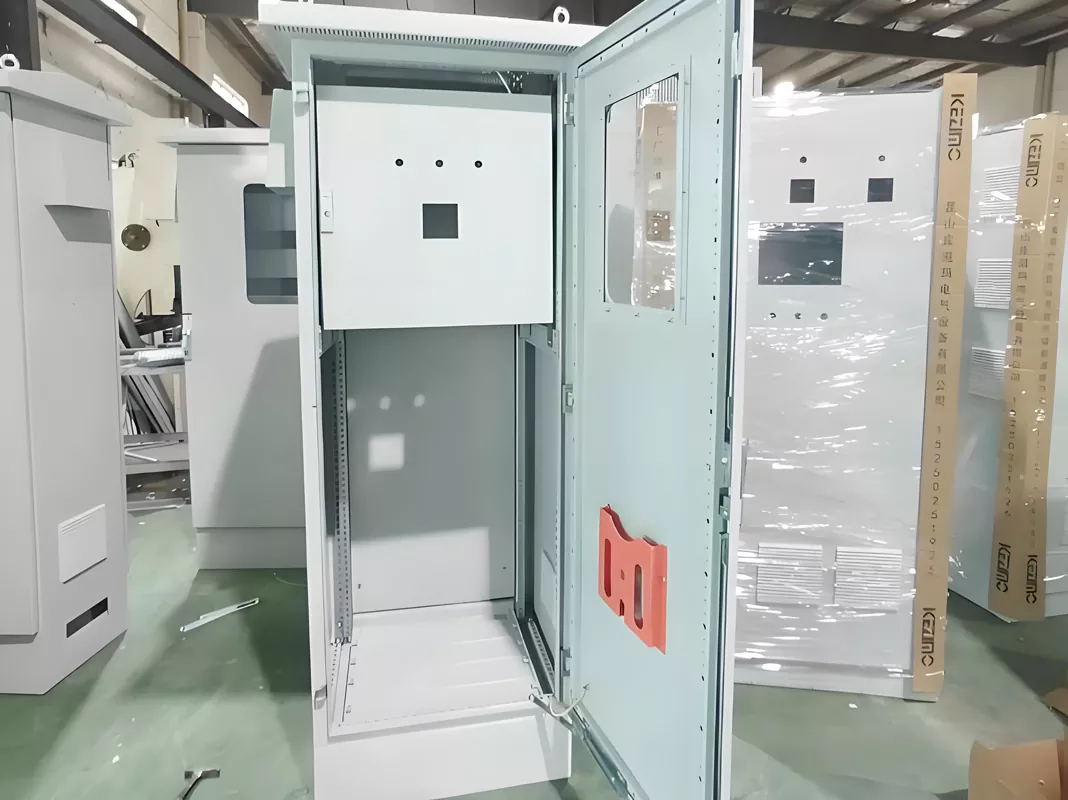
Table of Contents
- Why Do You Need a Network Cabinet?
- Key Components and Features
- Step-by-Step Installation Guide
- Benefits in Real-World Use
- Common Mistakes to Avoid
- FAQ
- Conclusion
Why Do You Need a Network Cabinet?
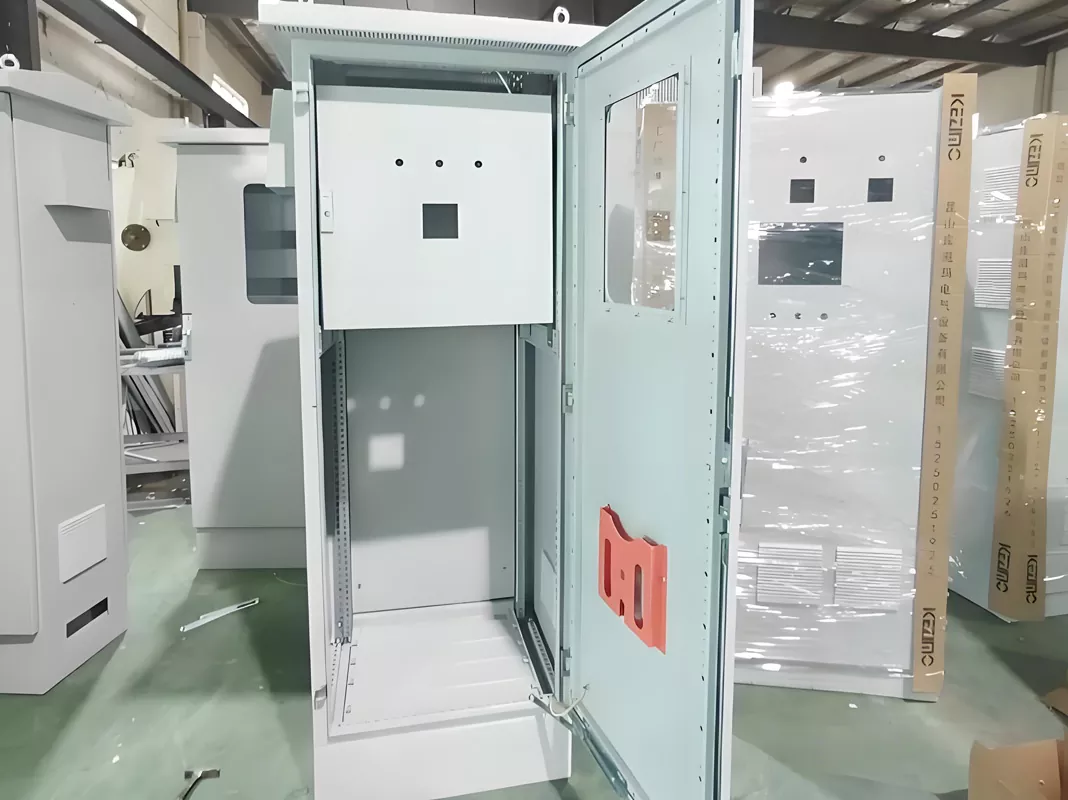
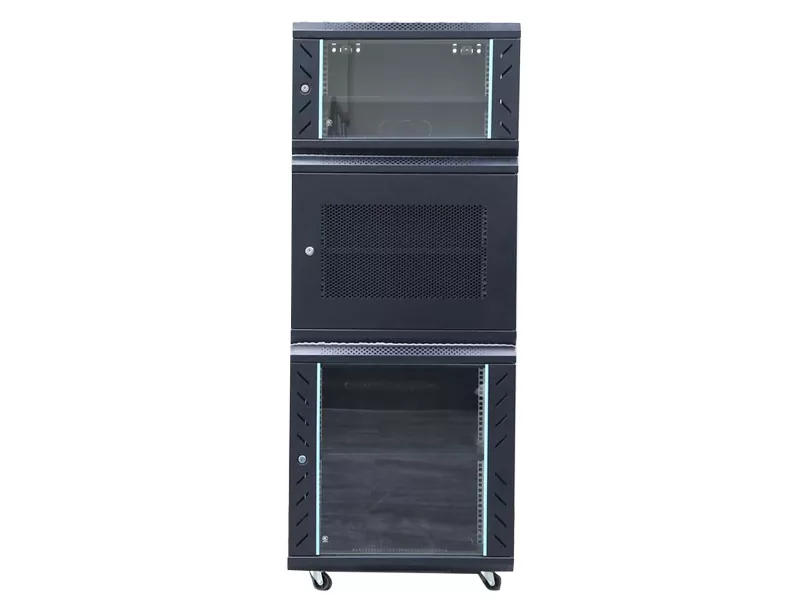
In any modern IT setup, from small offices to enterprise data centers, maintaining order and protecting equipment is a top priority. Customers often face challenges such as overheating equipment, tangled cabling, accidental disconnections, and limited physical protection. A network cabinet directly addresses these challenges by providing a secure, ventilated, and organized enclosure for network devices.
Common pain points resolved by deploying a network cabinet include:
- Poor cable management: Improper cable layout leads to downtime and troubleshooting headaches.
- Overheating: Rack-mounted equipment generates heat; without airflow, this shortens hardware life.
- Security risks: Open shelves or unprotected units are easy targets for theft and damage.
- Physical space constraints: Workspaces become cluttered without centralized housing for equipment.
Key Components and Features
When choosing a network cabinet, several structural and functional components matter most. Below is a summary table outlining these features and their importance.
| Feature | Description | Customer Benefit |
|---|---|---|
| Rack Units (U) | Height measurement of cabinet space, typically 6U–42U | Ensures sufficient space for switches, routers, and patch panels |
| Ventilation/ Fans | Airflow design or active cooling | Prevents equipment overheating |
| Lockable Doors | Front and rear doors that can be secured | Improves physical security |
| Cable Entry Points | Top/bottom panels with knockout holes or brush strips | Organizes and protects cables |
| Load Capacity | Maximum weight the cabinet supports | Ensures stability and safety for heavy equipment |
Step-by-Step Installation Guide
Installing a network cabinet doesn’t have to be intimidating. With proper planning and tools, even non-experts can achieve professional results. Follow the steps below:
- Step 1: Choose the right location — cool, dry, easily accessible.
- Step 2: Determine the cabinet size based on equipment needs.
- Step 3: Mark and install anchor points to secure the cabinet to the floor or wall.
- Step 4: Mount vertical rails at the correct depth for your rack units.
- Step 5: Install power distribution units (PDUs) before mounting active devices.
- Step 6: Arrange devices starting from bottom up for stability.
- Step 7: Route cables through designated entry points and label each run.
Always follow manufacturer weight and spacing recommendations to avoid overload or restricted airflow.
Benefits in Real-World Use
Below are typical environments where network cabinets deliver measurable benefits:
- Small Business Office: A 12U–18U wall-mount cabinet keeps switches and VoIP systems neat, reduces clutter, and simplifies maintenance.
- School IT Rooms: Lockable cabinets prevent unauthorized access and protect devices used for learning networks.
- Enterprise Data Centers: Full-height 42U cabinets allow dense rack layouts, structured cabling, and airflow management.
- Industrial Floor: Cabinets with higher IP ratings protect equipment from dust and contaminants.
Common Mistakes to Avoid
Even with the right cabinet, poor planning can negate many benefits. Avoid these issues:
- Underestimating Power Needs: Not allocating enough circuits or PDUs leads to overloaded outlets.
- Neglecting Airflow: Blocking vents or placing the cabinet in a hot corner worsens heat buildup.
- Skipping Cable Labels: Lack of labeling increases downtime when troubleshooting.
- Ignoring Security Locks: Open cabinets can be easily tampered with in shared spaces.
Frequently Asked Questions
-
What size network cabinet do I need?
Choose based on the number and type of devices. Allow room for future expansion — planning ahead prevents costly upgrades later. -
Can I install a network cabinet myself?
Yes, with basic tools and careful measurement. However, professional installation ensures stability and adherence to safety codes. -
Is cooling absolutely necessary?
Yes. Network equipment generates heat; without proper ventilation or fans, performance diminishes, and hardware lifespan shortens. -
What’s the difference between a rack cabinet and a server rack?
A network cabinet is typically enclosed with doors and panels for security and protection. An open server rack offers less protection but easier physical access.
Conclusion
A well-planned network cabinet revolutionizes how you manage IT infrastructure. By centralizing equipment, enhancing cooling and cable management, improving physical security, and making maintenance easier, it solves many pain points faced by IT professionals and business owners alike. Selecting the right features and following best practices during installation ensures your investment pays off with long-term stability and performance.
At Temery, we specialize in high-quality network cabinets that balance durability, functionality, and ease of use. Whether you’re upgrading an existing setup or building a new network environment, our solutions are designed to meet your needs.
Ready to optimize your IT infrastructure? Contact us today to learn more about our network cabinet offerings and find the perfect fit for your business needs!
Related News
- The Quiet Workhorse of Critical Infrastructure: Why Monitoring Console Hardware Deserves Its Own Upgrade Cycle
- Will Tomorrow's Monitoring Console Be Voice-Activated and Predictive Instead of Just Displaying Numbers?
- Advantages of modular computer rooms
- Key Functions of Operation Consoles
- How Can You Choose the Right Network Cabinet for Your Business?
- How Outdoor Cabinets Improve Your Equipment Management
Leave me a message